Reduce Salesforce file storage costs with Google Drive
Secure automatic backups of Salesforce Files to Google Drive while your team stays focused on their work.
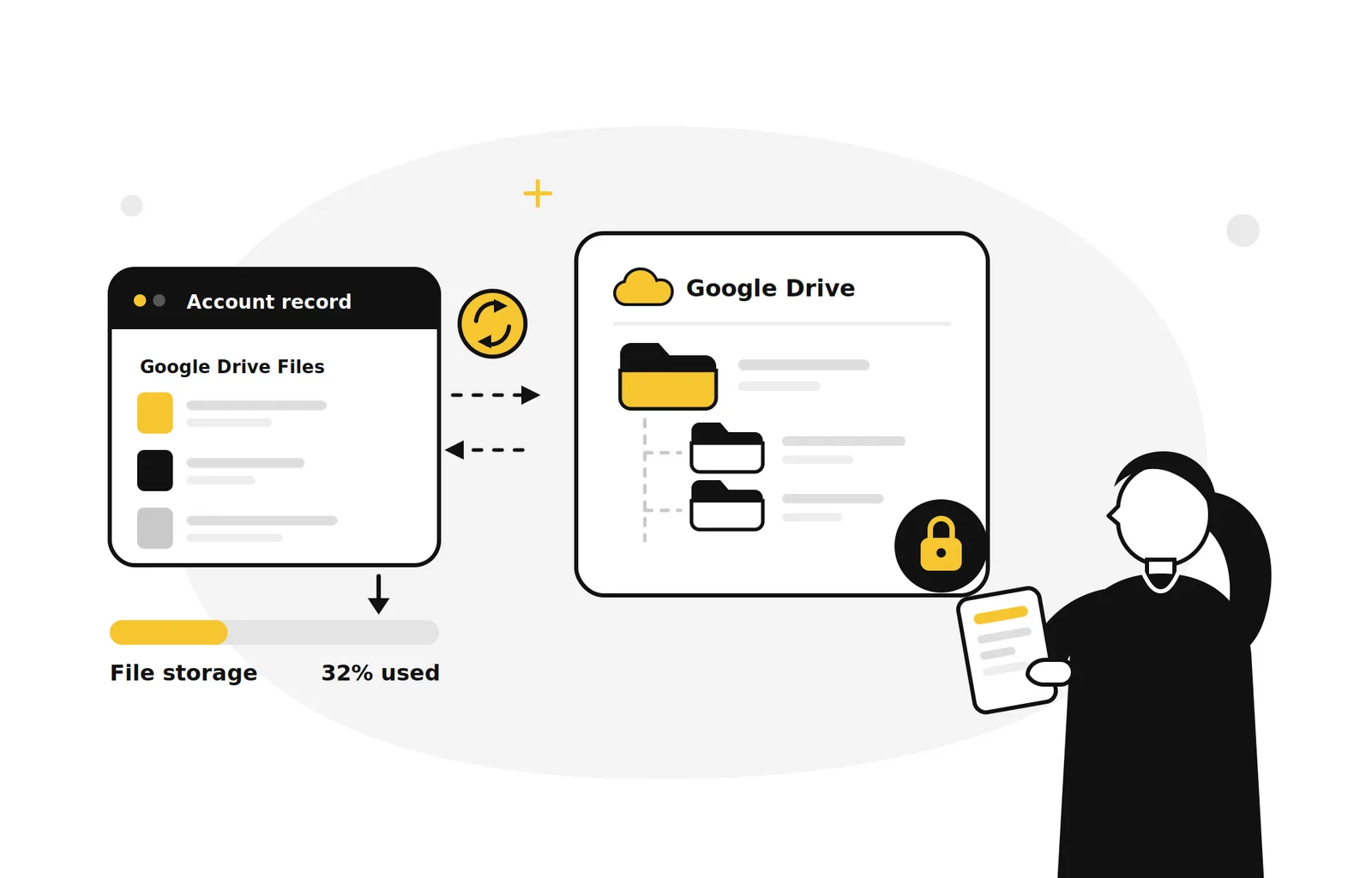
Running out of Salesforce file storage?
Every contract, invoice, and photo in Salesforce costs you more storage, and that bill grows with your business.
Storage limits hits fast
Attachments pile up on Cases, Opportunities, and custom objects, often months after they're useful.
Extra storage is costly
Extra Salesforce storage costs you more, while the Google Drive space you're already paying for sits empty.
Manual cleanups fail.
Ad hoc exports break links, lose folder structure, and never happen again.
Users resist change
Anything that moves reps away from the record page will fail.
Files out of Salesforce storage, still on the record
GDrive Integrator moves Salesforce Files to Google Drive on your schedule, keeping them accessible from the record while your storage bill stops growing. Your team's workflow stays exactly the same.
- Files stay one click away from the record, in the same place your team looks today: no new tabs, no workflow disruption.
- Google Drive permissions sync automatically with Salesforce sharing rules, including revocation, so governance stays in sync.
- Every move, backup, and permission change is logged and auditable, giving full visibility into what changed and when.
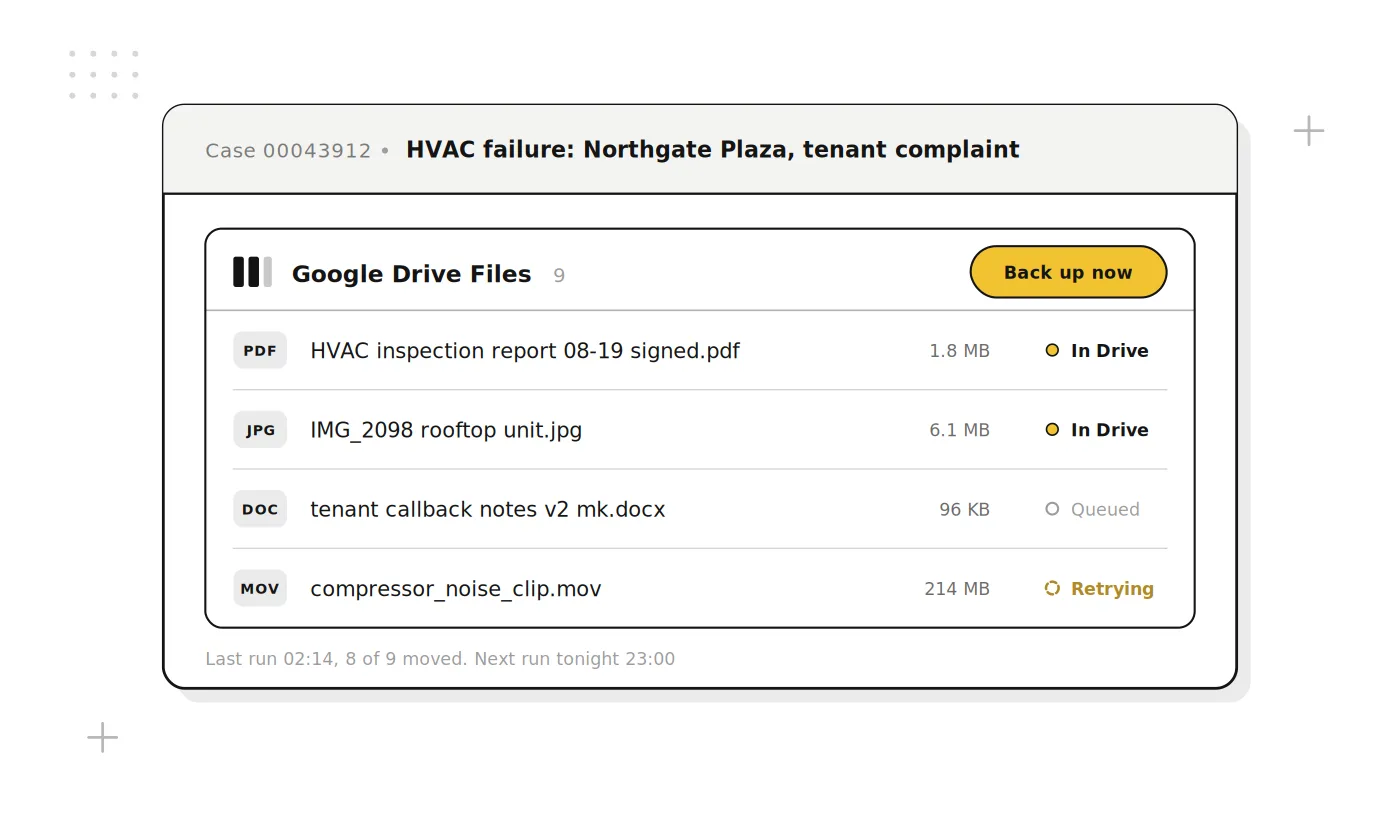
Everything an admin needs
Scheduled & on-demand backups
Run backups hourly, daily, or weekly for each object, or archive a single record on demand.
View Drive files in Salesforce
List, preview and open archived files without leaving the record.
Permission & ownership sync
Drive access follows record sharing, including revocation.
Organized folder structure
Folders mirror your object and record naming, so files stay accessible.
Audit trail & reporting
Every move logged to a Salesforce object, with native dashboards.
Guided setup, enterprise scale
No-code wizard up front; batched processing handles millions of files.
Why choose Aekot GDrive Integrator?
Engineered by the Salesforce consulting partner implementation team. Designed to fit your workflow out of the box. Flexible enough to adapt to your object model.
Lower storage costs
Reclaim Salesforce storage instead of paying for upgrades at renewal.
No change for users
Same record page, same file list. No retraining, no adaption problem.
Secure by default
OAuth scoped to the Shared Drives you nominate, and access mirrors Salesforce sharing, including revocation.
Scales with you
A guided setup wizard to start, and batch processing built for millions of files and multi-org rollouts.
Frequently Asked Questions
Explore other Aekot products




Get Started with Aekot Today! #AekotAdvantage.
Ready to Optimize Your Salesforce Storage?
Reduce storage costs, automate file management, and keep your teams productive with the Aekot GDrive Integrator.